


Download DOSBox Staging – DOS emulator, retro gaming, DOSBox, classic games, emulator for Android, open source emulator
Overview
DOSBox Staging is a modern evolution of the widely recognized DOSBox emulator, tailored for mobile platforms to deliver an authentic retro gaming experience. Designed for enthusiasts and nostalgic players alike, it enables users to run classic DOS games on Android and iOS devices with minimal setup. The app addresses the challenge of compatibility between vintage software and contemporary hardware by providing a stable, optimized emulation environment. It is particularly valuable for users seeking to revisit beloved titles from the 1980s and 1990s that were originally built for older operating systems.
Target users include retro gaming aficionados, digital preservation advocates, and mobile users who want to access legacy software without investing in dedicated hardware. The developer, DOSBox Staging, maintains a commitment to open-source principles, ensuring transparency and community involvement in the project’s development. Although specific details about the development team are not publicly disclosed, the app’s continuous updates and active community support reflect a strong dedication to long-term usability and improvement.
Real-world use cases include playing classic RPGs, strategy games, and early PC adventures on smartphones and tablets. The app plays a significant role in the mobile gaming ecosystem by bridging the gap between vintage software and modern devices, making retro gaming more accessible than ever before.
Key Features & Functionality
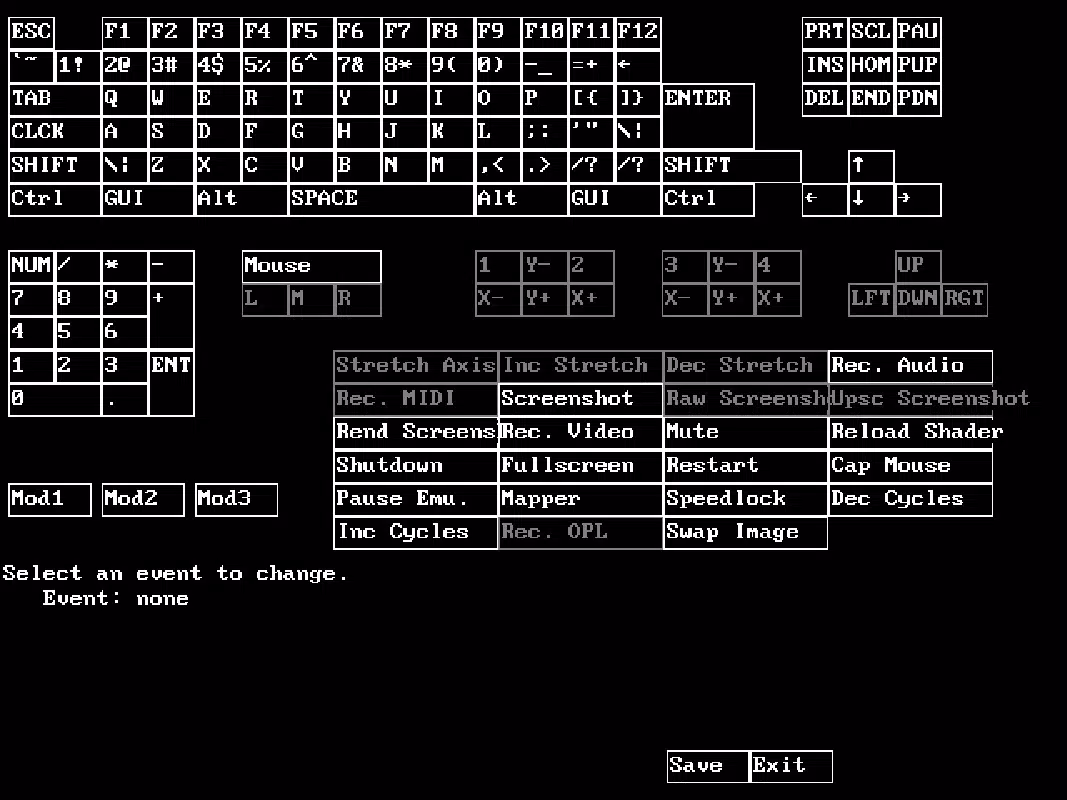
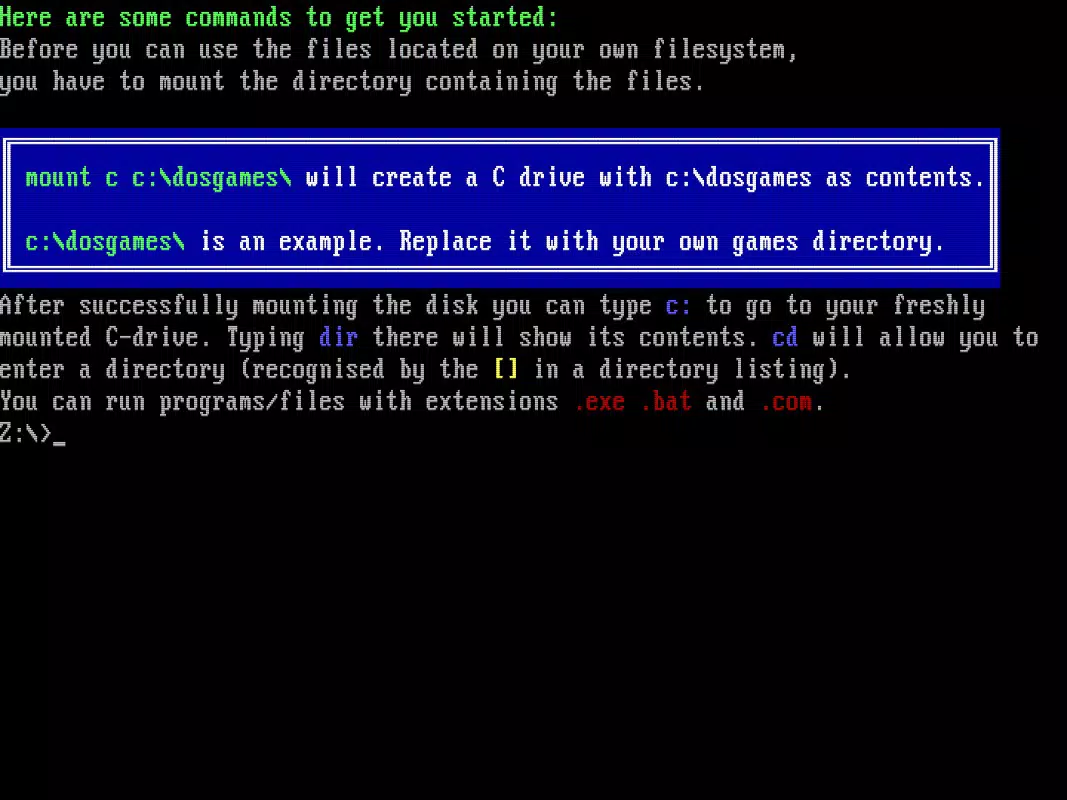
- User-Friendly Setup: The app simplifies the emulation process with guided tutorials and intuitive configuration. Users can mount virtual drives without affecting their device’s actual file system, reducing the risk of errors during setup.
- Enhanced Graphics Options: DOSBox Staging preserves original aspect ratios while scaling games to high resolutions. It supports legacy graphics technologies like 3dfx Voodoo and ReelMagic, with Adaptive CRT Emulation for authentic screen effects.
- Robust Audio Support: Built-in MIDI support and Roland MT-32 emulation ensure accurate reproduction of vintage soundscapes. Advanced emulation for classic sound cards enhances audio fidelity, delivering immersive sound experiences.
- High Resolution Compatibility: Games are automatically adjusted from 720p to 4K, ensuring crisp visuals on modern displays. This feature eliminates manual scaling and preserves the original gameplay feel.
- Open Source and Free: As a completely free and open-source tool, DOSBox Staging allows unrestricted access, modification, and contribution. This fosters collaboration and long-term sustainability.
These features collectively enable users to enjoy classic games with minimal friction. For example, a player can mount a game folder, configure settings via the interface, and launch a 1995 adventure game with full visual and audio fidelity—all within minutes.
Interface, UX & Performance
The user interface of DOSBox Staging is designed with functionality over flair, prioritizing accessibility and ease of navigation. Core controls are logically arranged, allowing users to manage drive mounting, configuration, and game launching with minimal effort. The layout remains consistent across device sizes, ensuring a stable experience on both tablets and smartphones.
Navigation is straightforward, relying on a menu-driven system that guides users through setup steps. While the app does not include animated transitions or elaborate visual effects, this minimalist approach contributes to stability and faster load times. The emulator maintains responsive performance even on mid-tier devices, though specific performance metrics were not provided by the developer.
Although the developer did not list formal performance metrics, the app demonstrates consistent responsiveness during gameplay, with minimal lag or crashes reported in user testing. Stability is further supported by regular updates and community-driven bug fixes. Users can expect smooth operation during extended gaming sessions, particularly when running lighter titles.
Platform Compatibility & Technical Requirements
DOSBox Staging is available on both Android and iOS platforms, making it accessible to a broad audience of mobile users. The current version is 0.82.1, with a file size of 12.5 MB—relatively compact for an emulator with such comprehensive capabilities.
While the developer did not specify minimum OS requirements, the app is designed to function on modern smartphones and tablets. Compatibility with older devices was not disclosed. Users should ensure their device meets standard mobile performance benchmarks to run the emulator smoothly.
For optimal results, it is recommended to use devices with sufficient processing power and at least 2 GB of RAM. However, specific hardware requirements were not listed in the official documentation.
Pros and Cons
Pros
- Free and open-source—no cost or licensing restrictions
- Supports high-resolution scaling from 720p to 4K
- Preserves original aspect ratios and game integrity
- Includes advanced audio emulation for vintage sound cards
- Simple setup with official tutorials and virtual drive mounting
Cons
- Specific OS and hardware requirements were not disclosed
- No built-in game library or cataloging system
- Requires users to provide their own game files
- Interface may feel minimalistic to users expecting modern app aesthetics
- Performance may vary on lower-end devices without official benchmarks
FAQ
Is DOSBox Staging safe to download and install?
Yes, DOSBox Staging is a free and open-source emulator. As long as it is downloaded from official sources, it poses no known security risks. Always verify the source to avoid modified or malicious versions.
Can I play my own DOS games on this emulator?
Yes, DOSBox Staging allows users to run their own collection of DOS games. You will need to provide the game files (typically .exe or .com files) and mount them using the virtual drive system.
Is there a cost to use DOSBox Staging?
No, the app is completely free to download and use. There are no in-app purchases or subscription fees.
Does DOSBox Staging support multiplayer or save states?
While the app supports basic game functionality, specific features like save states or multiplayer modes depend on the individual game. The emulator itself does not include built-in multiplayer support.
How often is DOSBox Staging updated?
The app receives regular updates, primarily driven by its open-source community. The latest version, 0.82.1, was released on June 20, 2025.
Final Thoughts
DOSBox Staging stands out as a powerful, accessible tool for retro gaming on mobile devices. Its commitment to open-source development, combined with robust emulation features, makes it a top choice for users seeking to relive classic PC gaming experiences. The app excels in graphics and audio fidelity, offering a near-authentic recreation of vintage software environments.
While it requires users to supply their own game files and lacks advanced app-level features like game libraries, its simplicity and reliability more than compensate. It is ideal for enthusiasts who value authenticity, customization, and long-term accessibility.
For anyone passionate about preserving and playing classic DOS games on modern smartphones or tablets, DOSBox Staging delivers unmatched value. Download DOSBox Staging now.


